

Seamless Tool Connection
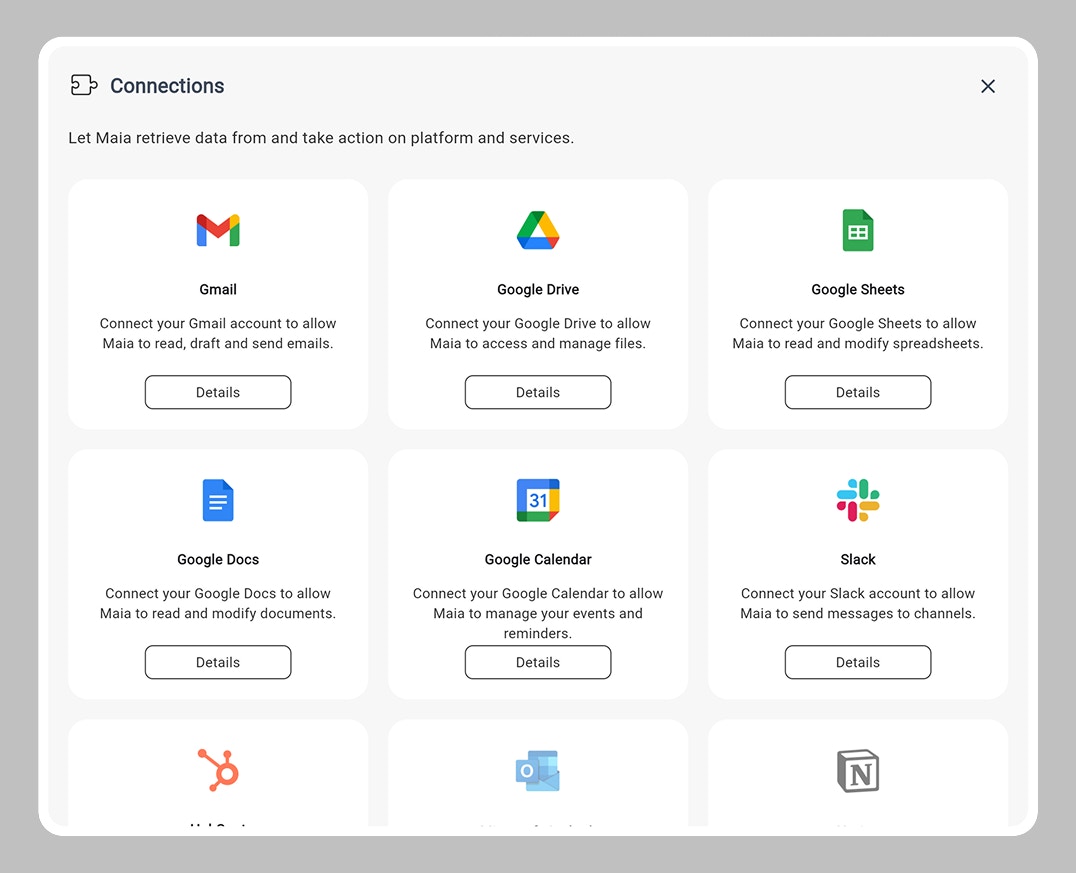
Maia integrates natively with popular business applications, allowing workflows to read, write, and manage data across your existing tools. You don’t need to manually configure “nodes” or “connectors.” Just tell Maia what you need, and it automatically uses the right connection.How Connections Work
One-Time Authorization
1
First Use
When you mention a tool for the first time:
2
OAuth Flow
Maia prompts you to authorize access via standard OAuth
3
Grant Permissions
You approve the specific permissions Maia needs (e.g., “Read Gmail messages”)
4
Save Token
Your authorization is encrypted and stored securely
5
Future Use
Maia automatically uses the saved authorization — no repeated logins needed
Automatic Action Selection
You don’t specify action use, Maia infers what you need: You Say
Maia Understands
- Gmail: Search inbox
- Gmail: Filter by sender
- Gmail: Extract subject and date
- Google Sheets: Find ‘Customer Feedback’ sheet
- Google Sheets: Append new row
Privacy & Data Access
What Maia Can See
- Only data from authorized accounts
- Only during workflow execution
- Only for the specific task requested
What Maia Cannot See
- Data from non-authorized accounts
- Information outside the workflow scope
- Historical data after workflow completes
Your Controls
- Revoke access anytime
- Audit responses show what was accessed
Next: Intelligent Action Use
Learn how Maia dynamically selects the right tools for each task